Coffee operations software · built by roasters, for roasters

Run your roastery from green to cup.

Operations software built inside a working roastery — production, cafés, wholesale, books, and every food-safety record from kill step to mock recall.

Runs our production roastery, two cafés and a truck every day.

app.roastingpartner.com
Roaster Home screen: coffees to roast with ordered pounds, roasted on hand, batch plan and green lot to pull

One roast list

Every order from online, cafés and wholesale, oldest first, sized into batches your roaster can run.

Roast logging that moves inventory

Plug a probe in, record the curve, drop, and the green is deducted and roasted beans added.

Green bought against the market

Landed cost, coverage in weeks, and every contract plotted against arabica and robusta futures.

Cafés, wholesale and books together

Close-outs, week-ahead plans, staffing, a wholesale portal and QuickBooks in the same place.

Quality records on every lot

Cupping scores, roast consistency, freshness aging, and bin audits — all riding on the lot, all in one place.

What's inside

Built around the work, not the org chart.

Roaster Home

Everything the roaster owes, on one screen.

Open orders from Shopify, café requests, wholesale orders and QuickBooks invoices land in one list, oldest first. Each coffee is sized into batches your roaster can run; a coffee short of a batch waits, then roasts with the extra to stock.

  • Green needed per origin and the oldest lot to pull
  • Blends by origin percentage, pulled from each component lot
  • Load in roaster prefills the roast; logged roasts feed bagging
Roaster Home
Orders to fill: the all-channel roast list with channel, customer, coffee, quantity and grind

USB roast logging

Plug in the roaster. The curve logs itself.

Connect the roaster's data cable to a laptop running Chrome or Edge; Mill City Roasters panels and TC4-style boards are detected automatically. Bean, exhaust and rate of rise chart live, with turning point, first crack and drop marked.

  • Replicate a saved profile, its curve overlaid as you roast
  • Finishing a roast deducts green and adds roasted beans to inventory
  • Every lot keeps its curve and trace: green, roasted, bagged, packed
Bagging · lot trace
Saved roast curve with bean temperature, exhaust and rate of rise, turning point, first crack and drop markers, above the lot trace

Green coffee & contracting

Know your green, and what the market did since you bought it.

Receive lots with origin, moisture and landed cost, and see weeks of coverage at your burn rate. Contracting plots every purchase against arabica and robusta futures, with fixed or price-to-be-fixed terms, fix-by dates and a full landed-cost build-up.

  • Arabica–robusta spread and volatility, week, month and year to date
  • Shortage alerts pre-fill a green purchase order
  • Multi-location stock with freshness aging on every bag
Contracting
Coffee Contracting screen with arabica and robusta volatility bars, futures lines and the contract book

Cafés, sales & staffing

Close the day, plan the week, schedule the people.

Daily close-outs lock each café against its goal, and the week-ahead plan forecasts each location from its own history and the weather, down to break-even. Staffing drags people onto a week board, totals hours and dollars, and publishes to staff.

  • Fully-loaded labor by café, truck and roastery
  • Month-end café sales posted to QuickBooks in one click
  • Bag cost from the real green cost and roast loss of its batch
Staffing
Staffing week board with shifts per person per day across two cafés, a cart and the roastery

Wholesale

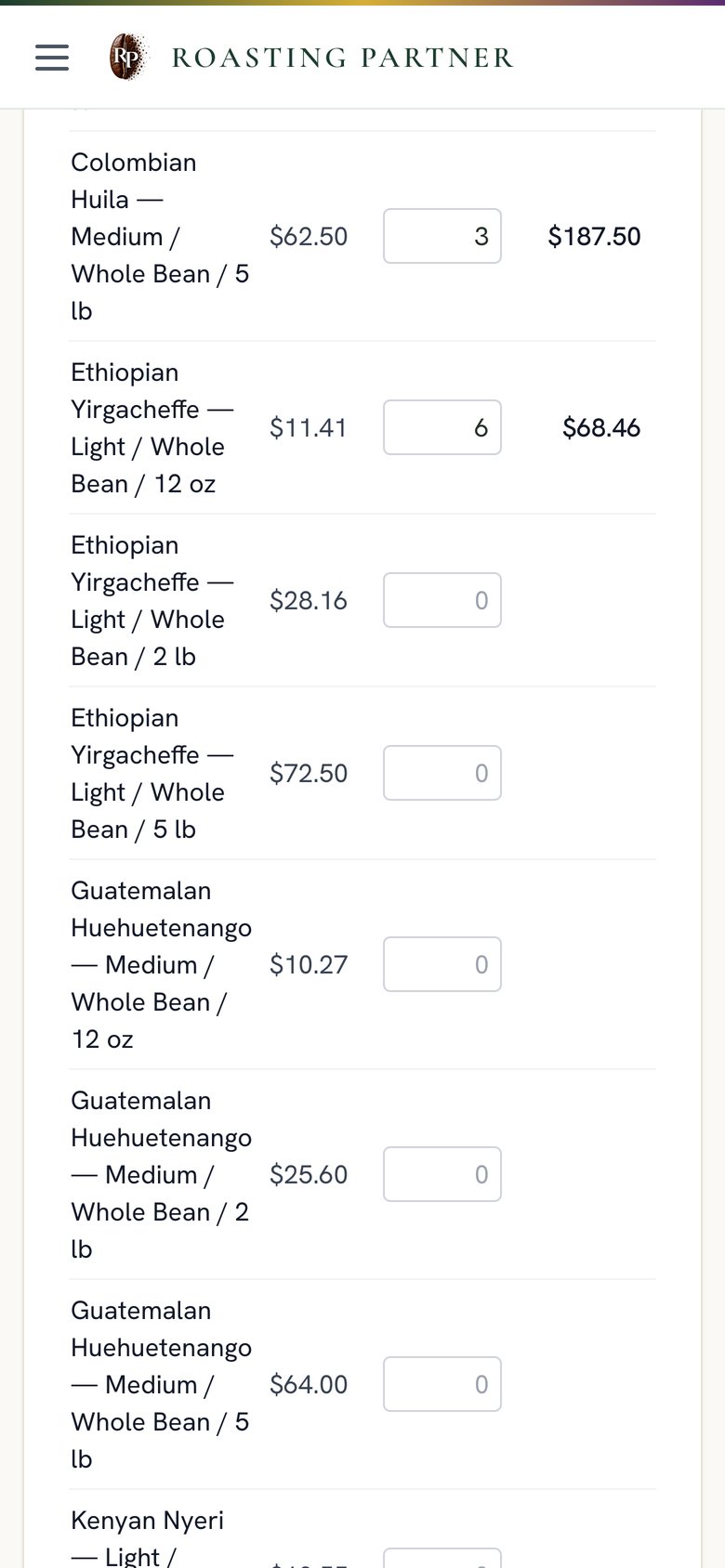
Accounts order on their own price list.

Wholesale customers log in to a portal with their prices, order history and invoices, on a desktop or a phone. Orders flow to the roast list and to QuickBooks invoices, with paid and open balances mirrored back.

  • Toll and private-label roast orders quoted with green, loss and fees
  • CRM with deals, samples and reorder signals
  • Drivers and wholesale logins see only their own screens
Wholesale portal
Wholesale portal with a customer's price list, an order in progress, order history and invoices

Food safety records

Every record, one place, ready

Your FDA and compliance folder holds every food-safety record with renew-by reminders. Written HACCP, food safety, recall and traceability plans generate from your own lots and suppliers. Run a coffee-native recall drill from green to customer. Track certifications, facility logs, and COAs — all audit-logged.

  • Written plans from your own lots and suppliers
  • Recall drill from green lot to customer
  • Certification chain-of-custody with claim checks
  • Facility logs tied to equipment and recalls

See the full compliance list →

FDA & Compliance
FDA and Compliance folder with record categories, expiry dates and the compliance calendar

In-app assistant

Ask it a question.

The built-in assistant answers from your live data, and managers can add or remove a shift by asking, with a yes or no before anything changes.

Ask Sales today What needs roasting Prep for tomorrow How are we trending on the P&L Open invoices Top customers Green on hand Who's working this week

Module map

Every module, as your sidebar shows them.

Click a module to see the real screen.

Production

  • Roaster HomeOne roast list, batch plan, blends, USB roaster
  • Green CoffeeLots, coverage, cost basis vs market
  • Green POsDraft to received, rejections, plan vs on order
  • ContractingFutures, terms, landed cost
  • Purchasing & ReceivingRFQ to PO, dock check-in, BOL to the vault
  • Finished GoodsEvery SKU by location, lot story
  • BaggingRoasted lot to bags, with the curve and trace
  • FulfillmentPick online orders by lot, oldest first
  • Coffee StockStock by location, freshness, movements

Sales & Money

  • SalesOverview, cafés, online, wholesale, labor
  • Week AheadForecast, labor budget, break-even per café
  • QuickBooks SalesInvoices and receipts, paid or open
  • Market & NewsArabica, robusta, FX, origin weather
  • ProductsSKUs, prices, shelf caps
  • CRMAccounts, deals, reorder signals, email
  • BrandsStorefronts and their margins

Company

  • StaffingWeek board, day view, notes, time off
  • FDA & ComplianceEvery food-safety record, audit-logged
  • Lots & recall drillTrace green to bag to customer
  • CertificationsChain-of-custody and claim checks
  • Facility logsCleaning, calibration, pest, kill-step checks
  • Labels & EPCISGS1-128 labels and EPCIS 2.0 export
  • Admin & rolesAdmin, manager, roaster, driver, wholesale
  • DashboardSales today, green on hand, to roast, orders to fill
  • AssistantAnswers from your live data
  • Driver & café viewsPhone-sized screens for the route and the counter

Connected today: QuickBooks Online, Shopify across multiple storefronts, ShipEngine shipping labels, Resend email, Open-Meteo weather, and arabica and robusta market data.

Why it exists

Built in a working roastery, not a boardroom.

Roasting Partner runs our own coffee company every day: a production roastery, two cafés, a truck and wholesale accounts. Every screen exists because we needed it, and it keeps changing as the business does.

Freshly roasted coffee cooling in a drum roaster's tray

Beyond the roastery

Built for more than coffee

The same platform runs packaging, fulfillment, and multi-location retail today. See how it fits your operation.

See Solutions

How it works

Early access, not self-serve sign-up.

We host a dedicated instance for your roastery and guide the onboarding.

  1. We set up your dedicated instanceYour own database, logins and branding.
  2. We import your products and accountsProducts, green lots, cafés, wholesale accounts, QuickBooks and Shopify.
  3. You start running your roastery on itOnboarding with the people who built it, and a direct line after.

Tell us about your roastery.

We reply by email to set up a walkthrough.

FAQ

Questions, answered.

Who is Roasting Partner for?

Specialty roasters with wholesale accounts, cafés or a truck: enough moving parts that spreadsheets and POS reports stop working.

Does it connect to my roaster?

Yes, through a USB probe on a laptop running Chrome or Edge. Mill City Roasters panels and TC4-style boards are detected automatically. Any other roaster is logged manually with yield and loss, and the batch still flows to inventory and bagging.

Does Roasting Partner handle food safety and compliance?

It keeps every food-safety record in one folder, generates written plans from your data, and runs a coffee-native recall drill from green to customer. Roasting Partner keeps the records, runs the drills and writes the plans from your data. The plan, the decisions and the responsibility stay with you and your regulator.

Does it work with QuickBooks and Shopify?

Yes. QuickBooks Online receives invoices, bills, purchase orders, COGS and the month-end café receipt, and imports your customers. Shopify syncs orders, products, customers and inventory across storefronts.

Is it self-serve?

No. We set up and host a dedicated instance, import your data and guide onboarding.

Who owns my data, and what does it cost?

You own your data and we export it on request. Pricing depends on locations, accounts and setup; we work it out after a walkthrough.